Google Business Profile Optimisation: The 2026 Checklist for Melbourne Businesses
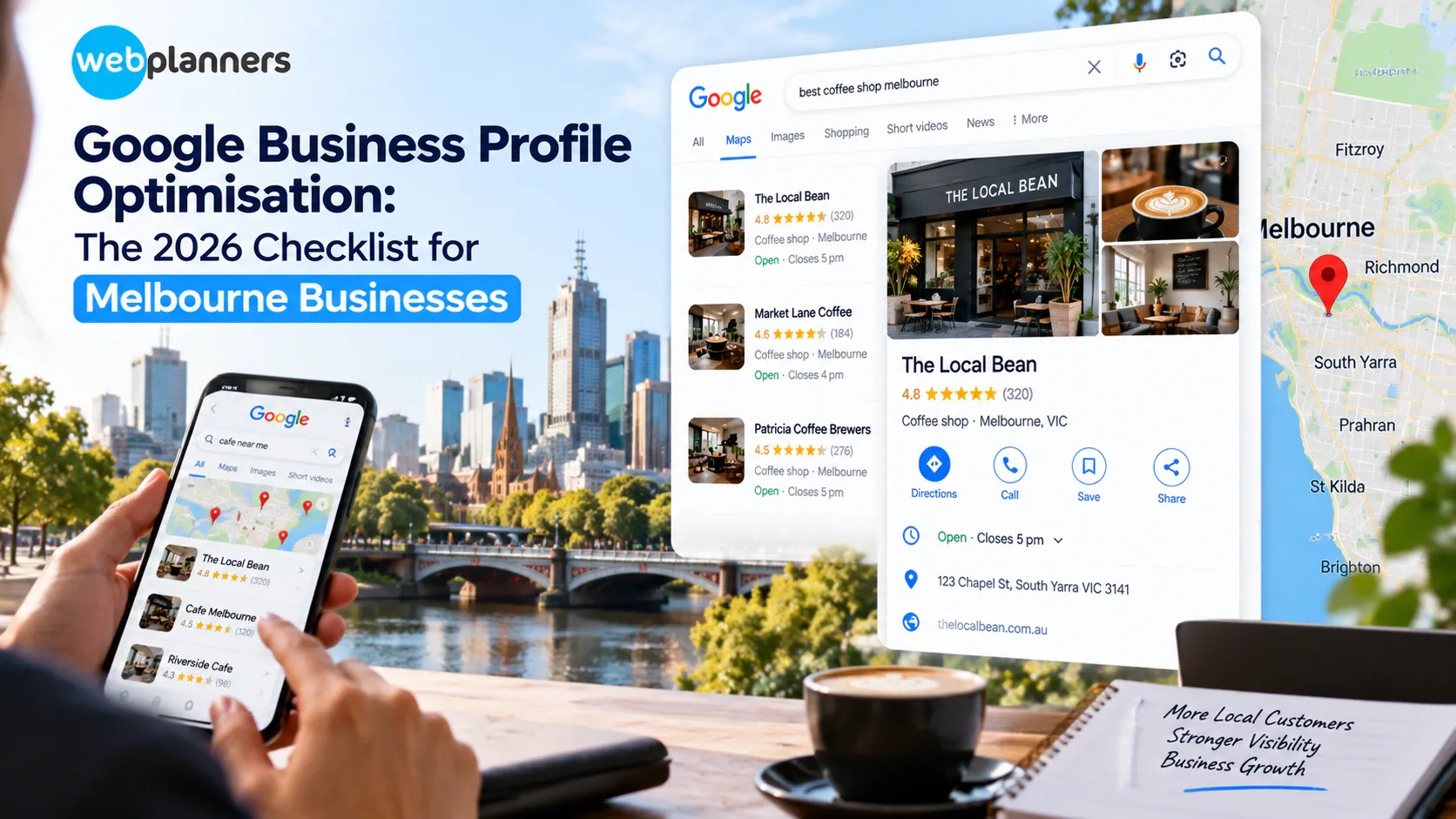
Your website isn’t always the first thing someone sees when searching for a local business.
Your Google Business Profile might be the first thing they see: your business name, category, reviews, opening hours, photos, location and website. That first impression can affect if they call, visit, ask for a quote or keep looking.
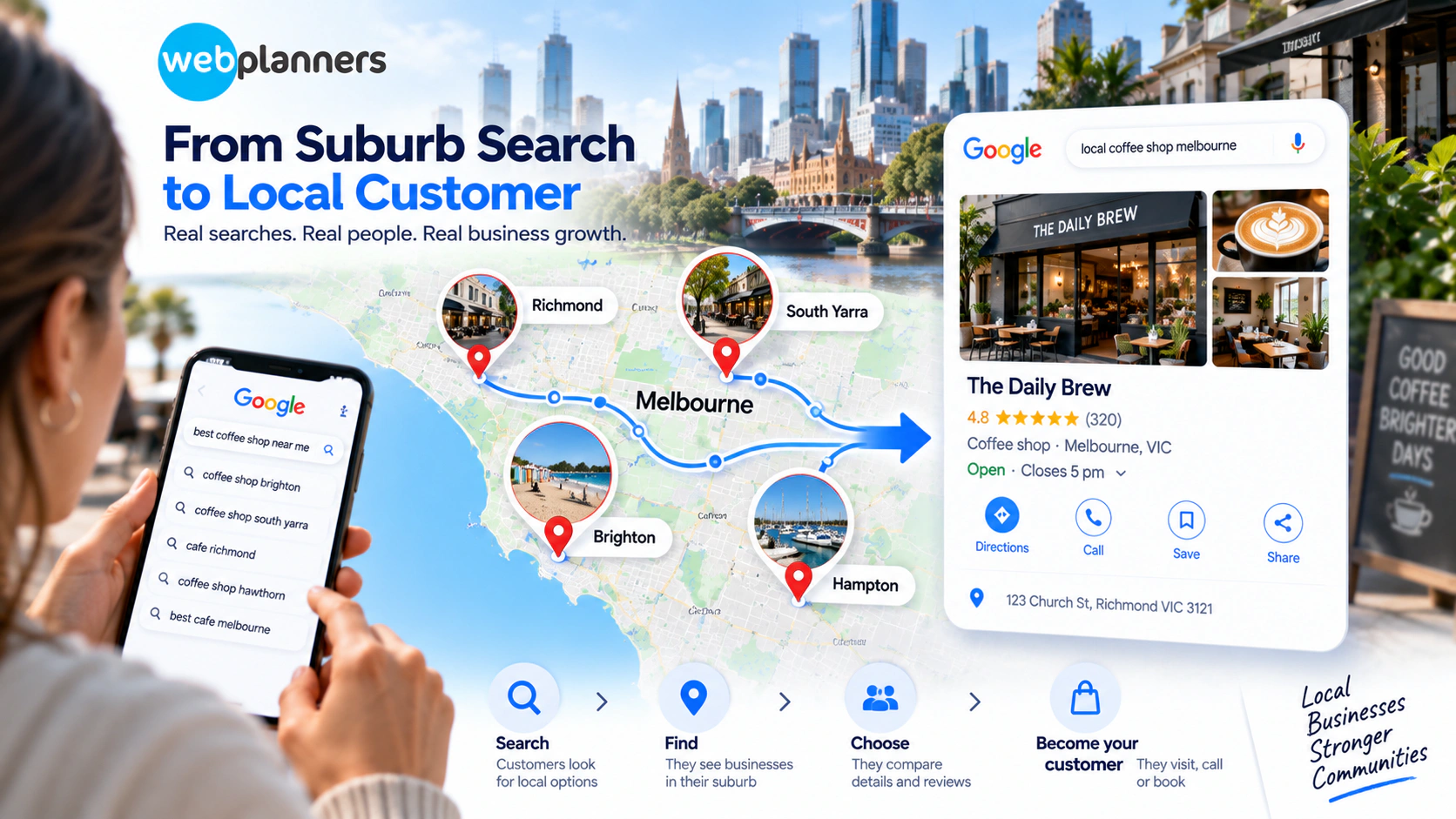
For a Melbourne business, this becomes even more important when searches become location-specific. A customer may search for a service in Brighton, South Yarra, Richmond or another nearby suburb rather than simply searching for the service and “Melbourne”.
A complete profile is a starting point. The real work is keeping your business information accurate, relevant and consistent with everything else customers find online.
Here is a practical 2026 checklist to review your profile and strengthen its role in your wider search strategy.
Why Google Business Profile Still Matters
Your Business Profile acts as a local touchpoint between your business, Google and potential customers.
It can display:
- Business category.
- Address or service area.
- Phone number.
- Website.
- Opening hours.
- Services.
- Photos and videos.
- Reviews.
- Business attributes.
Local visibility is based on how well your business matches the search, where the searcher is located and prominence of the business within the local market.
That means optimising your profile should be about being accurate and relevant, not just adding more keywords.
Improve Your Local Search Visibility
The 2026 Google Business Profile Checklist
1. Start With the Basics
Check every core business detail.
- Business name.
- Address or service area.
- Phone number.
- Website URL.
- Opening hours.
- Special trading hours.
- Primary category.
- Relevant business attributes.
Even small changes should be reflected across your important online listings.
If your website has one phone number, your Business Profile has another and an old directory listing has a third, customers may receive conflicting information.
2. Choose the Right Primary Category
Your primary category helps define your business. Select the category that best describes your main offering.
Add sub-categories where they belong, really. Don’t try to stuff every service or keyword you are trying to rank into categories.
The intention is to provide Google and customers a clear picture of the business.
3. Make Your Services Easy to Understand
Review the services listed on your profile.
Ask:
- Are the main services included?
- Are the descriptions clear?
- Are outdated services removed?
- Do the services match the website?
- Would a potential customer understand what they can contact you about?
For example, a Melbourne electrician should make its key electrical services clear rather than relying on one broad category to describe everything it does.
The same information should appear naturally across relevant service pages on the website.
4. Add Real, Useful Photos
Your photos should help customers understand the business before they contact you.
Depending on the business, consider:
- Exterior images.
- Interior images.
- Team photographs.
- Products.
- Completed projects.
- Equipment.
- Service-related images.
- Before-and-after photographs.
Good-quality, relevant images are more useful than uploading generic stock photography. Business Profile photos and videos can appear directly to customers across Search and Maps.
5. Keep Reviews Active and Genuine
Reviews give your customers insight into what it’s like to do business with you or an insight into your offerings.
Invite genuine customers to share their thoughts, and respond to reviews in a natural way.
A useful answer does not have to repeat keywords. It can validate the customer experience and add more context when appropriate.
Don’t consider:
- Buying of reviews.
- Making fake reviews.
- Use specific keywords when asking customers.
- Same answer to all reviews.
The quality and authenticity of the feedback from consumers is more important than trying to make every review look SEO focused.
6. Check Your Website Against Your Profile
Your Business Profile should make sense alongside your website. When your profile states you provide gardening services for residential, but your website only mentions commercial work, it makes the big picture a little less clear.
Review:
- Services.
- Locations.
- Contact information.
- Business description.
- Opening hours.
- Company name.
- Service areas.
This connects naturally with the work we covered in Melbourne Bayside SEO, where location relevance needs to reflect the areas a business genuinely serves.
For example, a business operating around Brighton, Hampton and Sandringham should have useful information about those areas where relevant, rather than adding suburb names simply to increase keyword coverage.
7. Review Your Google Maps Visibility
Do not only search for your business by name.
Try searches that a new customer might actually use:
- Service + Melbourne.
- Service + suburb.
- “near me” searches.
- Service + location.
- Category + suburb.
Check what appears around your business on Google Maps.
Look at the competitors appearing in the local results and compare their profiles with yours.
This can reveal gaps that a standard website ranking report may not show.
If your website receives organic traffic but your business remains difficult to find in Maps, the issue may require a closer look at your local signals.
8. Build Location Relevance Without Keyword Stuffing
Local content should sound like it was written for real customers.
If you serve Melbourne’s inner suburbs, for example, you can naturally mention relevant areas such as Richmond, South Yarra or Prahran when those locations genuinely form part of your service area.
A business serving other Australian markets may also operate in Brisbane, Adelaide or Sydney. The important point is to represent real service areas rather than creating location pages simply because those locations have search volume.
This is where location-based content, service pages and your Business Profile should work together.
9. Keep Your Local References Consistent
Your Business Profile is only one source of business information.
Review important references across:
- Website.
- Business directories.
- Industry listings.
- Review platforms.
- Social profiles.
- Local websites.
Check the basics first: business name, address, phone number, website and service information.
You do not need to list your business in every directory available. Focus on relevant and credible sources.
10. Look at What Customers Ask Before They Contact You
Local search is increasingly conversational.
Someone may search:
“Best family dentist near Brighton”
and then ask a follow-up question about emergency appointments, payment options or whether the clinic treats children.
Your website should provide useful answers to these questions where they are relevant to your customers.
This is also where AEO can naturally support your content strategy. Clear answers, useful page structure and direct information can make important information easier to understand across different search experiences.
11. Consider How Your Business Information Appears in AI Search
Customers can now use AI tools when researching local businesses.
They may ask for recommendations, compare providers or ask which business is suitable for a particular need.
That makes consistent business information more important beyond traditional Google results.
Work related to GEO can consider how a business is represented in generative search, while generative AI services can support businesses that want to incorporate AI into their wider digital marketing workflow.
The foundation remains the same: clear services, accurate locations, useful content and credible information about the business.
Build A Stronger Local Search Presence
Where AI Overviews Fit Into Local Search
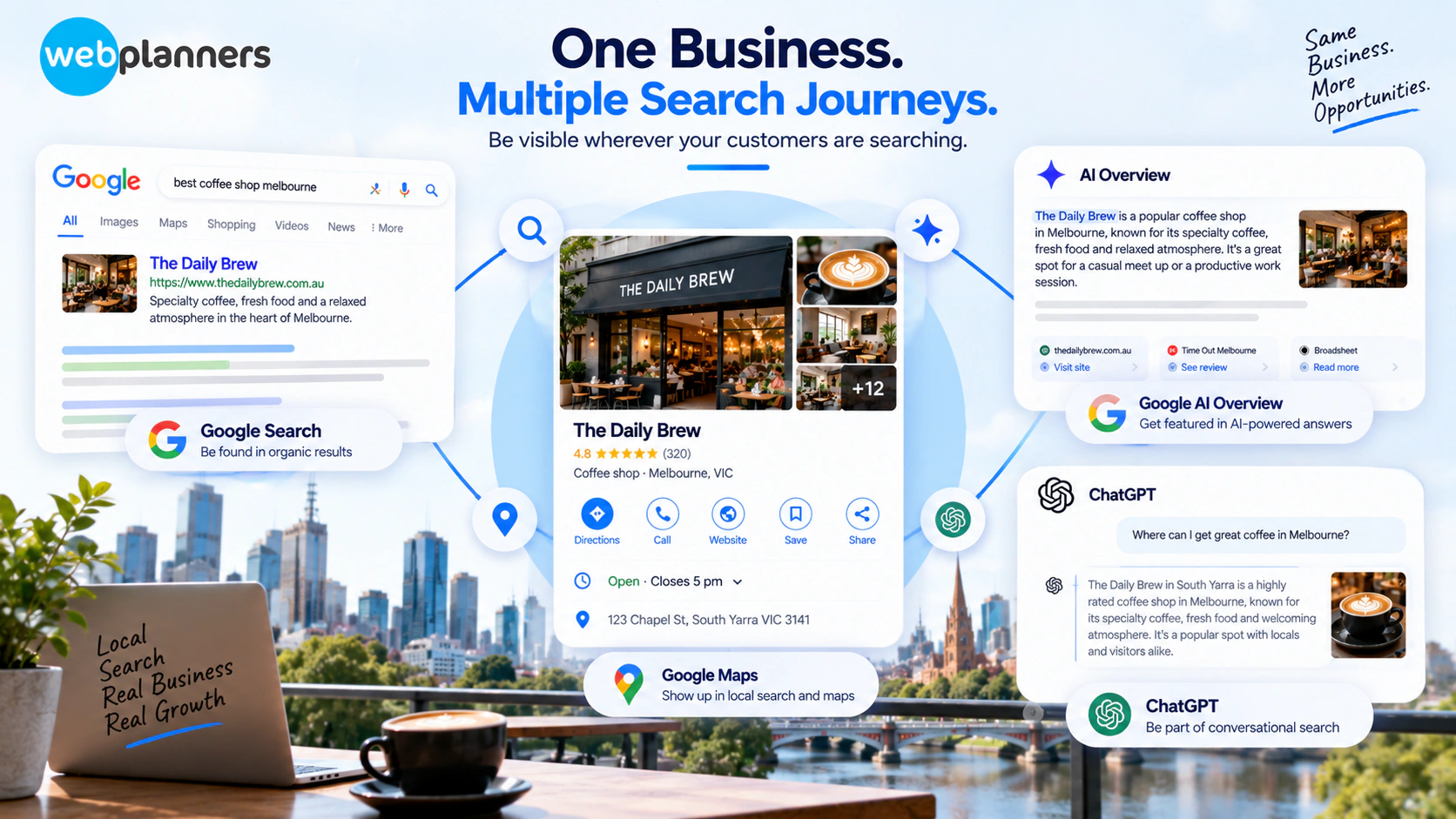
AI Overviews add another layer to the search experience. A customer may see an AI-generated summary before reaching the traditional organic listings. The response can include links to websites that provide supporting information.
For local businesses, this makes useful and well-structured information even more valuable.
Think about the information a customer may need:
What do you do? Where do you operate? Who do you serve? What makes you suitable?
Your website should answer those questions clearly.
There is no special Business Profile setting that guarantees visibility in an AI Overview. Instead, local information should form part of a broader SEO and content strategy.
Common Google Business Profile Mistakes
Some of the biggest problems are simple ones.
1. Using an inaccurate business category
Choosing a category because it has strong search demand rather than because it describes your business can create confusion.
2. Adding locations you do not genuinely serve
A list of suburbs does not automatically create local relevance.
3. Leaving old information online
Old phone numbers, outdated hours and discontinued services can create conflicting signals.
4. Uploading generic images
Photos should give customers useful information about the real business.
5. Treating reviews as keyword opportunities
Reviews should reflect genuine customer experiences rather than SEO instructions.
6. Setting up the profile and forgetting about it
Your business changes over time. Your profile should reflect those changes.
A Simple Monthly Review
You do not need to spend hours on your Business Profile every week.
A monthly check can cover:
- Business details.
- Opening hours.
- Categories.
- Services.
- New reviews.
- Review responses.
- Photos.
- Website information.
- Local search results.
- Competitor changes.
For a business operating across multiple areas, review the locations that actually matter commercially rather than checking every suburb in Melbourne.
Conclusion
Google Business Profile optimisation is not about filling every available field with keywords.
It is about giving customers and search systems a clear, consistent picture of your business: what you offer, where you operate, when customers can reach you and why they should consider you.
For Melbourne businesses, that local relevance can become even more specific at suburb level. Your profile, website, reviews, local references and useful content should all support the same business information.
AI-powered search adds another reason to keep that information clear. Customers may now encounter your business through traditional search, Maps, AI Overviews or conversational AI tools before they ever visit your website.
If your profile is complete but local enquiries are still below expectations, a deeper review can identify where the gaps sit.
At Webplanners, our local SEO strategy connects Google Business Profile optimisation with website content, technical SEO, local relevance and the wider search journey.
Want more customers to find your business in Melbourne? Get in touch with Melbourne’s trusted SEO company to discuss your strategy.
FAQs
How often should I update my Business Profile photos?
There is no scheduled time for every company. Make sure you are checking your images from time to time to replace any that are outdated or of poor quality. Companies with changing projects, products or premises have more reason to add fresh visuals.
Why does my business show up in Maps in one suburb but not another?
Local results are based primarily on relevance, distance, and prominence. A business may be very relevant to searches near its location, but not as visible farther away.
Does structured data help me get better rankings in Google Maps?
Structured data is useful for helping search engines understand information on your site, but should not be considered a direct ranking shortcut. It is valuable because it clearly communicates accurate information about your business and pages.
Is AI Search a replacement for Google Business Profile Optimisation?
No. AI search is just another form of customer research on a business. Your Business Profile is an important source of local business information, and your website and other online references provide additional context.
Our Recent Blogs

Couldn't be happier with how things have gone since working with Webplanners. The team genuinely cares about getting results and has helped us stay ahead of the competition. Thanks for all the hard work, legends!
Webplanners has been a huge part of our digital growth. Managing multiple websites isn't easy, but they've made the whole process feel effortless. The results have exceeded our expectations.
The team has been great to work with and always keeps us in the loop. We've seen steady improvements over time and the whole process has been straightforward. Very happy with how things are going.