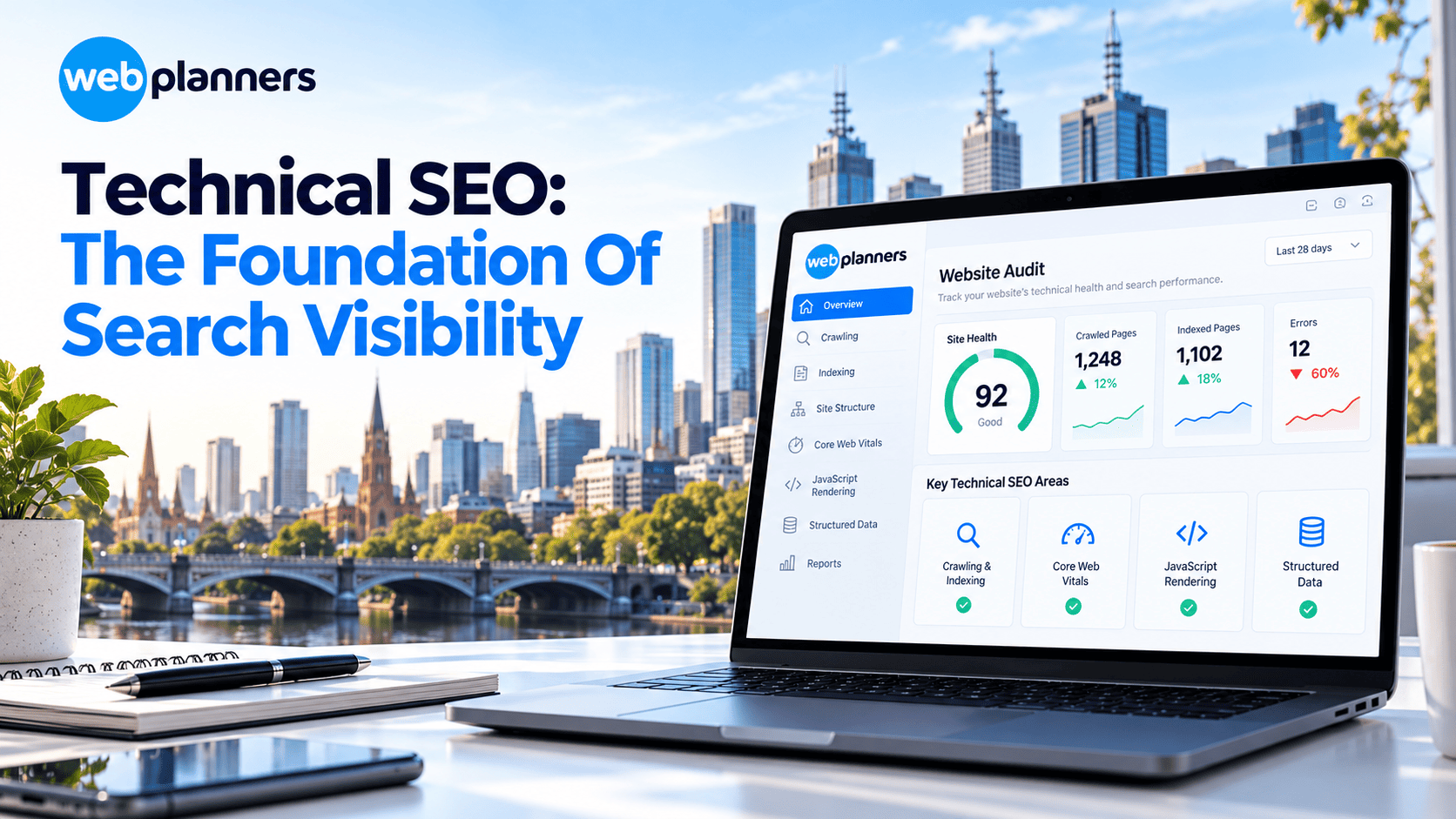
The Complete Guide to Technical SEO in 2026
Technical SEO plays a vital role in helping search engines access, understand and index your website. Even strong content and quality backlinks may struggle to deliver results when technical issues prevent important pages from appearing in search results.
A well-maintained website gives search engines a clearer view of its content while supporting a better user experience.
Key technical SEO areas include:
- Crawling, indexing and website structure.
- Core Web Vitals and page performance.
- JavaScript rendering and structured data.
- AI crawler access and website visibility.
At Webplanners, a Melbourne SEO agency, we audit these exact areas for clients every week, so what follows comes from fixes we’ve actually made, not theory.
In this blog, we will understand what technical SEO is, which areas matter most this year, and how to work through a checklist you can start today.
Technical SEO is the work that lets search engines and AI crawlers find, render, index and understand your website. Get the basics right and your content can rank and get cited. Miss them and even great pages stay hidden.
- Crawling and indexing: Allow important pages in robots.txt, keep your sitemap clean and fix stray noindex and canonical mistakes.
- Structure: Keep priority pages within three clicks of the homepage and link every page in.
- Speed: Aim for LCP of 2.5 seconds or less, INP of 200 ms or less and CLS of 0.1 or less.
- Rendering: Keep key content and links in plain HTML, not behind JavaScript.
- Structured data: Add validated JSON-LD that matches what’s visible on the page.
- AI crawlers: Decide your robots.txt policy for GPTBot, ClaudeBot, PerplexityBot and Google-Extended.
What Is Technical SEO?
Technical SEO covers site structure, speed, mobile usability, security, structured data and the signals that tell Google which pages matter.
Think of it this way. Content is what you say, and links are who vouches for you. Technical SEO decides whether anyone can hear you at all. If you’re unsure where your own site stands, an SEO consultant in Melbourne can usually spot the biggest gaps in a single review.
Crawlability and Indexability
Before a page can rank, a search engine has to reach it (that’s crawling) and then decide to store it (that’s indexing). Miss either step and the page is invisible, however good it is.
Crawlability Checks
- Your robots.txt file isn’t blocking important pages, CSS or JavaScript.
- Your XML sitemap lists only live, indexable, canonical URLs, and it’s submitted in Google Search Console.
- Every important page sits within a few clicks of the homepage through internal links.
- Server responses are healthy, with few 5xx errors and no long redirect chains.
Indexability Checks
- There are no accidental noindex tags on pages you want ranked. This one happens a lot after a site launch.
- Canonical tags point to the right version of each page.
- Duplicate and thin pages, like filters, tags and parameter URLs, are merged or excluded.
- The Page indexing report in Search Console is checked, since it tells you exactly why pages are left out.
Find Out What Google Can’t See
Site Architecture and Internal Linking
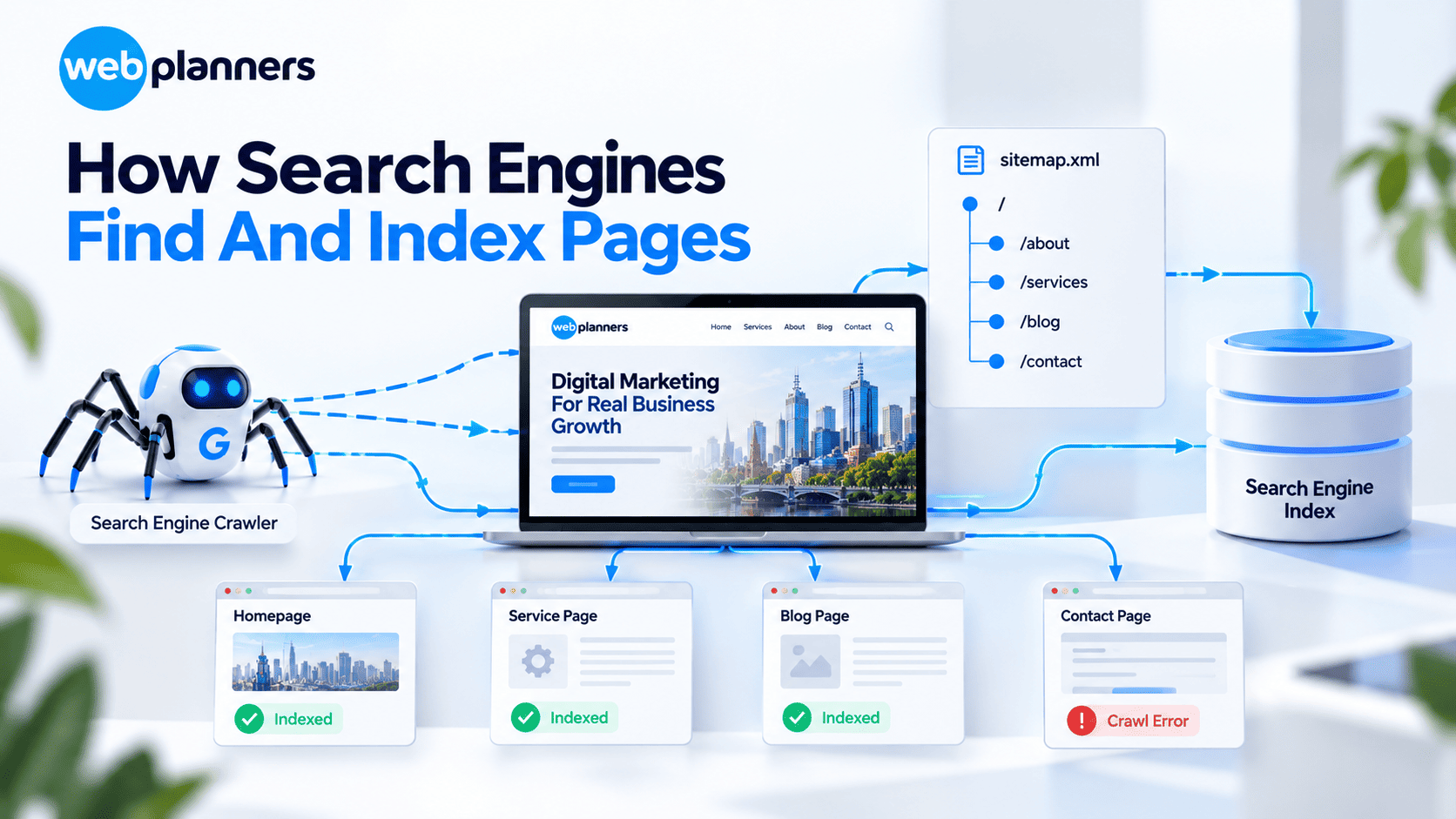
A logical structure helps people and search engines see how your content fits together. Good site architecture is mostly common sense, but plenty of sites skip it.
- Group pages into clear hubs, such as services, industries and locations.
- Link from your strongest pages to your priority pages, using anchor text that says what the page is about.
- Add breadcrumbs with BreadcrumbList schema.
- Hunt down orphan pages, the ones with no internal links pointing to them, and link them in.
Online stores feel this the most. Filters and product variants can spawn thousands of near-duplicate URLs, and tidying that up is a big part of ecommerce SEO.
Core Web Vitals and Site Speed
Core Web Vitals measure how your site feels to real users. Here are Google’s “good” thresholds:
| Metric | What It Measures | Good |
|---|---|---|
| Largest Contentful Paint (LCP) | How fast the main content loads | 2.5 seconds or less |
| Interaction to Next Paint (INP) | How quickly the page responds to clicks and taps | 200 ms or less |
| Cumulative Layout Shift (CLS) | How stable the layout is while loading | 0.1 or less |
Most speed problems have familiar fixes. Compress and resize images, switch to WebP or AVIF, defer JavaScript that isn’t needed right away, remove apps and plugins you don’t use, reserve space for images and ads, and put a CDN in front of the site. When the cause sits in the theme or the code itself, you’ll likely need web development support rather than another plugin.
JavaScript Rendering
Google can render JavaScript, but it costs extra time and resources. Many AI crawlers don’t run JavaScript at all. So if your key content, links or metadata only show up after scripts load, some crawlers will never see them.
- Use server-side rendering or static generation for your important pages.
- Make sure links are real <a href> elements, not click handlers.
- Test pages with the URL Inspection tool in Search Console and compare the rendered HTML with what a visitor sees.
Structured Data
Structured data, also called schema markup, describes your content in a format machines can read. It can earn rich results, and it helps both search engines and AI tools work out which entities your site is about.
The types worth using include Organization, LocalBusiness, Service, Product, Article, FAQPage and BreadcrumbList. Stick to JSON-LD, only mark up content that’s visible on the page, and check everything with Google’s Rich Results Test. If you serve a specific area, LocalBusiness schema works best next to solid local SEO work, like a well-kept Google Business Profile.
Technical SEO for AI Crawlers
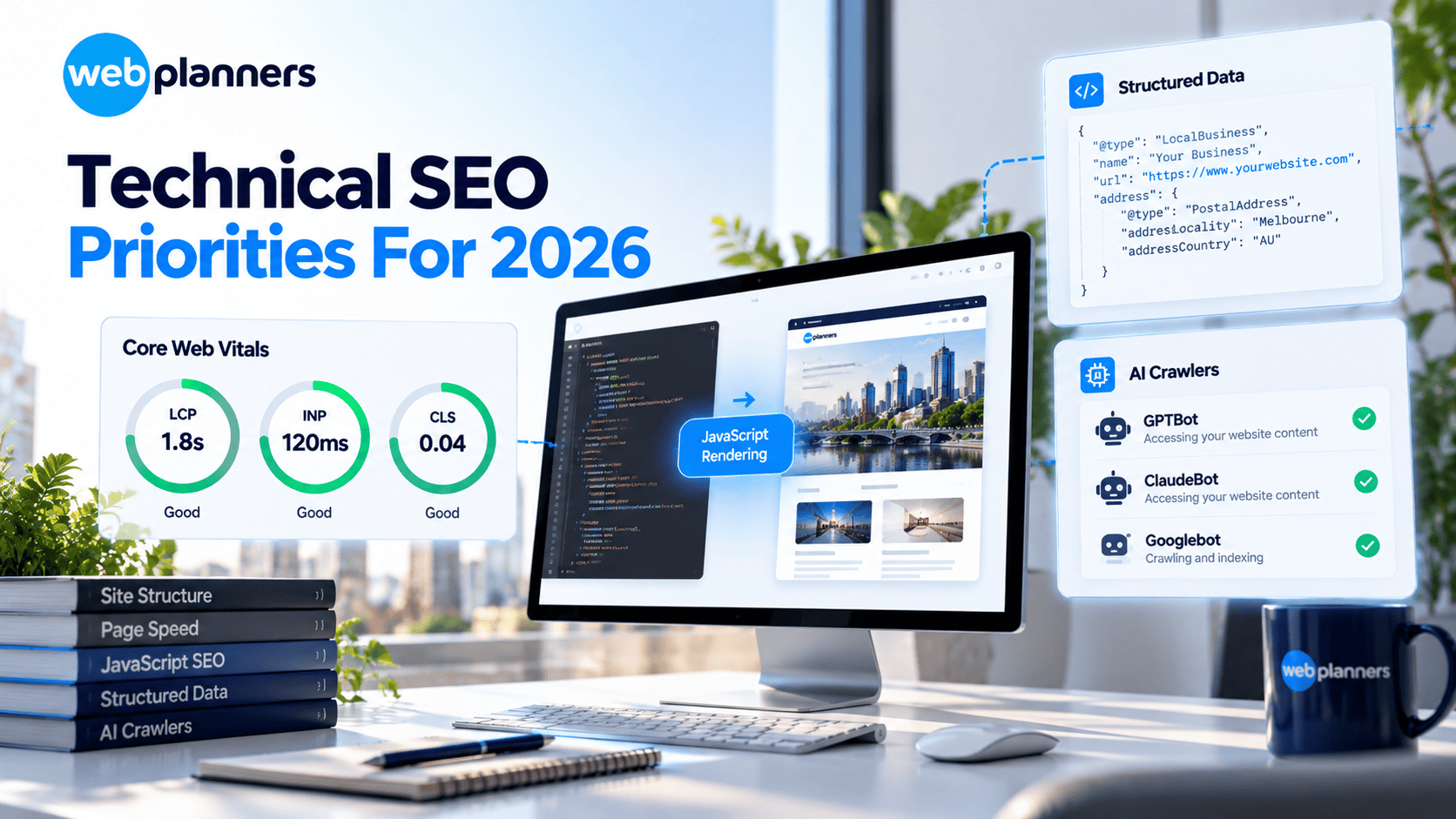
AI search adds a few new technical questions on top of the usual ones.
- Know the crawlers. GPTBot (OpenAI), ClaudeBot (Anthropic), PerplexityBot and Google-Extended (which controls whether Gemini can use your content) can each be managed in robots.txt.
- Decide your policy. Blocking AI crawlers protects your content, but it can cost you visibility in AI answers. If you want leads, you’ll probably want to let them in.
- Serve content in HTML. A lot of AI crawlers read raw HTML, so important information shouldn’t depend on JavaScript.
- Consider llms.txt. It’s a proposed file that gives AI tools a short map of your content. It isn’t an official standard and Google doesn’t use it, but it takes little effort to add.
Technical access gets you in the door. After that, your pages need to be easy to quote. Lead each section with a direct answer, use plain headings, and add a short FAQ where it genuinely helps. That habit sits at the heart of answer engine optimisation, and it helps ordinary search too.
Security, Mobile and International Basics
- Serve every page over HTTPS and redirect the HTTP versions.
- Design for mobile first, because Google indexes the mobile version of your site.
- If you target several countries or languages, set up hreflang properly.
- Return a 404 or 410 for pages you’ve removed, and 301-redirect pages that have moved.
A hacked or flagged site loses rankings fast, so close any gaps early with proper web security support.
Your Technical SEO Checklist
- robots.txt allows important pages, CSS and JS.
- XML sitemap contains only indexable, canonical URLs.
- No important pages carry an accidental noindex.
- Canonical tags are set correctly.
- No redirect chains or internal links to 404s.
- Every priority page is within 3 clicks of the homepage.
- LCP, INP and CLS pass on mobile.
- Key content is visible without JavaScript.
- Structured data is validated.
- AI crawler policy is decided in robots.txt.
- HTTPS everywhere, with a mobile-friendly design.
- Search Console is checked monthly for indexing and Core Web Vitals issues.
Make Your Site AI Ready
Conclusion
Technical SEO isn’t the exciting part of marketing, and nobody tweets about a clean sitemap. But everything else depends on it. Great content, strong links and a good design all go to waste if crawlers can’t reach your pages or can’t read them once they do.
Most sites don’t need a rebuild. They need a few problems found and fixed, then a habit of checking in every month. Work through the checklist, sort out the biggest blockers first, and keep an eye on AI crawlers as well as classic Google. If you’d rather hand the digging to a specialist team that handles AI SEO alongside traditional SEO, Webplanners is happy to help.
FAQs
What is technical SEO?
Technical SEO is the work that helps search engines crawl, render, index and understand your website. It covers site structure, page speed, mobile usability, security and structured data. Without it, even excellent content can stay invisible to Google and to the AI tools that now answer many searches.
How often should I do a technical SEO audit?
Run a full technical SEO audit at least once a year, and again after any redesign, migration or platform change. Between audits, check Search Console every month for indexing errors and Core Web Vitals problems. Catching an issue within weeks is far cheaper than finding it after traffic has already dropped.
Is technical SEO a one-time fix?
No, technical SEO is ongoing. New content, plugins, apps and code changes can introduce fresh problems at any time, from broken links to slow pages. A monthly check of Search Console, plus clear reporting through Google Analytics consulting, shows whether your fixes are working and spots new issues early.
Does technical SEO affect AI search visibility?
Yes. If AI crawlers can’t access or read your content, they can’t cite or recommend it. Blocked bots, JavaScript-only content and messy structure all reduce your chances of appearing in AI answers. Clean technical foundations support generative engine optimisation and help AI tools understand your pages.
Should I block AI crawlers like GPTBot and ClaudeBot?
It depends on your goals. Blocking GPTBot and ClaudeBot protects your content from AI use, but it can also keep your brand out of AI answers. Businesses that want leads usually allow them, which is where ChatGPT optimisation and similar work starts.
Do AI crawlers read JavaScript?
Many do not. Google can render JavaScript, but a lot of AI crawlers read only the raw HTML a server sends. If your key content, links or metadata appear only after scripts run, those crawlers may never see them. Server-side rendering fixes this for important pages.
Our Recent Blogs

Couldn't be happier with how things have gone since working with Webplanners. The team genuinely cares about getting results and has helped us stay ahead of the competition. Thanks for all the hard work, legends!
Webplanners has been a huge part of our digital growth. Managing multiple websites isn't easy, but they've made the whole process feel effortless. The results have exceeded our expectations.
The team has been great to work with and always keeps us in the loop. We've seen steady improvements over time and the whole process has been straightforward. Very happy with how things are going.