
Your website may look fine on the surface while technical problems quietly affect how search engines access, understand and index your pages.
You do not need to be an SEO specialist to spot some of the obvious warning signs.
A technical SEO health check can give you a quick picture of whether your important pages are accessible, indexed and performing properly.
This is not a full technical SEO audit. It is a five-minute check designed to answer a simpler question:
Is there anything obvious that needs attention?
Keep reading as we'll check key areas that can quickly reveal technical problems, from indexing and page speed to Core Web Vitals, Schema Markup and internal links.
- Are your important pages being crawled?
- Can Google access your important URLs?
- Are your Core Web Vitals up to snuff?
- Is your Schema Markup correct?
- Can users and search engines reach your important pages from internal links?
It’s better to investigate if something seems wrong before trying to fix it blindly.
1. Check One Important Page in Google Search Console
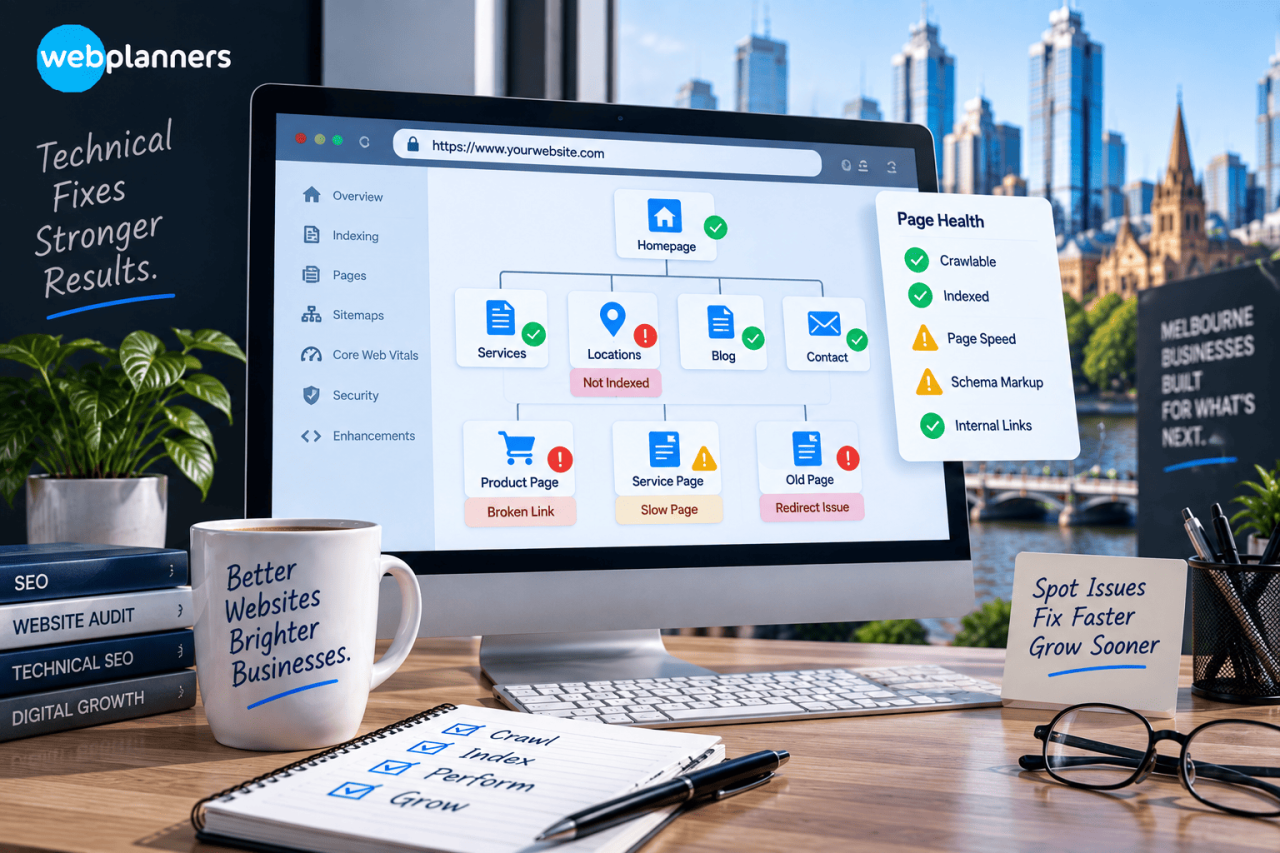
Start with your homepage or your most valuable service page.
To do this, open Google Search Console and go to the URL Inspection tool.
You want to check if Google has the page indexed and if there are any obvious indexing or access problems.
The Google URL Inspection tool lets you see what Google knows about a particular URL, and you can also test the live version of that page.
Look for such problems as:
- URL not indexed.
- No crawling around.
- Another canonical URL is selected.
- Page availability issues.
- Unexpected status of indexing.
One important note: Not all non-indexed URLs are a problem. Google may intentionally exclude duplicate pages, redirected URLs or pages carrying a noindex instruction.
For this five-minute check, focus on pages that matter to the business.
If your main service page is not indexed, that deserves attention. A low-value tag page being excluded usually does not.
Run A Quick Technical SEO Health Check
2. Take a Quick Look at Your Sitemap
Your XML sitemap gives search engines a list of URLs that you want them to know about.
You do not need to inspect every URL during a quick health check.
Instead, ask:
Are my important pages represented?
Check whether your:
- Homepage
- Main service pages
- Key location pages
- Important product pages
- Major content resources
are included where appropriate.
Google's Sitemaps report lets site owners monitor submitted sitemaps and identify processing errors. Google also notes that smaller websites may not need a sitemap if their pages are properly linked and easily reachable.
This means the sitemap should not become a box-ticking exercise.
A sitemap cannot compensate for poor website structure. Your important pages should also be reachable through normal internal links.
3. Check Your Core Web Vitals
Now check whether your website provides a good experience for real users.
Google's Core Web Vitals report uses real-world data and focuses on three metrics:
| Metric | Measures | Good result |
|---|---|---|
| LCP | Loading performance | 2.5 seconds or less |
| INP | Interaction responsiveness | 200 ms or less |
| CLS | Visual stability | 0.1 or less |
Google's Search Console report groups URLs according to their real-world performance and reports whether they are Good, Need Improvement or Poor.
For this quick check, do not test every page.
Pick one or two commercially important pages.
For example:
Service business: Check your main service page.
Ecommerce business: Check a key category or product page.
Local business: Check the page customers are most likely to reach from search.
If you want to look more closely at these metrics, Webplanners has a dedicated resource covering Core Web Vitals and AI Search.
The aim here is not to chase a perfect score.
It is to identify pages where performance problems may be creating a poor user experience.
4. Check Your Schema Markup
Next, look at the structured data on one important page.
Schema markup helps search engines understand what information a page represents.
Depending on the website, this may relate to:
- Organisation details
- Local business information
- Products
- Services
- Breadcrumbs
- Other supported structured data types
The key question is not:
“How much schema does my website have?”
It is:
“Does the markup accurately describe this page?”
Google states that structured data can help it understand page content and make eligible pages suitable for certain search features. However, adding structured data does not guarantee a particular search appearance.
Check that:
- The information matches the visible page
- Business details are accurate
- The markup describes the correct entity or content type
- There are no obvious validation errors
- Old information has not been left behind after a website update
Do not add markup simply because you have seen someone recommend it.
The structured data should have a clear relationship with the page.
5. Check Your Internal Links
This is one of the easiest checks to overlook.
Open an important service page and ask:
How would a visitor reach this page from the rest of my website?
Your important pages should not sit in isolation.
A service page might receive relevant links from:
- Related blog content
- Supporting service pages
- Location pages
- Helpful resource pages
- Relevant website sections
For example, a blog discussing website performance could naturally link to a related service page when the reader needs professional help.
Google Search Console also provides an internal-links report showing which pages receive links from other pages on your site.
For a deeper look at how internal links can support website structure, the existing resource on internal linking and organic traffic fits naturally here.
How Often Should You Run This Check?
You do not need to spend five minutes checking the same website every day.
A quick check makes more sense after significant website changes, such as:
- A redesign
- A new CMS
- A website migration
- Major URL changes
- New service pages
- Template changes
- Major plugin updates
- Significant performance changes
It is also useful as a simple monthly spot check for businesses that rely heavily on organic search.
The point is to catch obvious problems before they become part of a much larger website issue.
What If You Find a Problem?
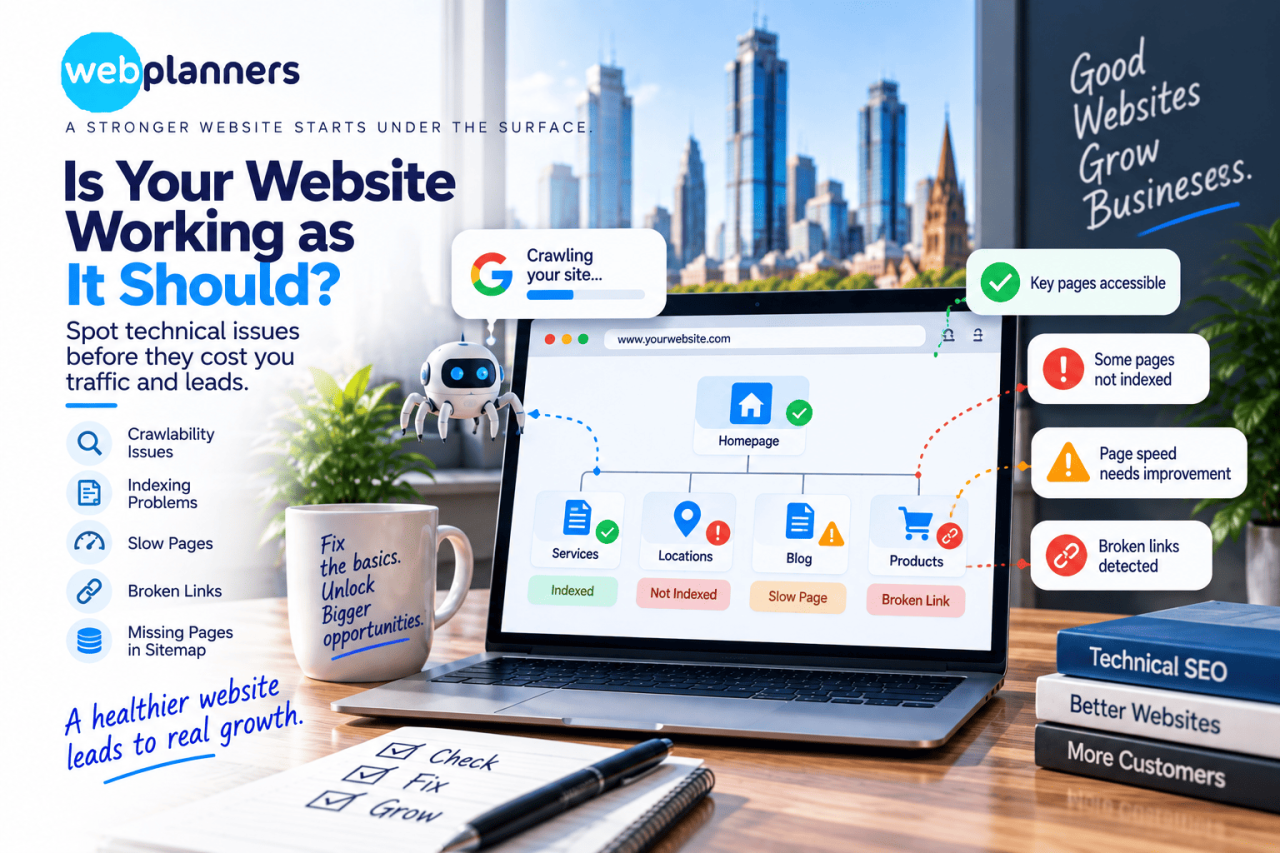
Do not change technical settings simply because a tool reports something unusual.
First ask:
What does the issue affect?
Then ask:
Is the affected URL important to the business?
For example, a non-indexed duplicate URL may be completely normal.
A non-indexed page that generates most of your organic enquiries is a different situation.
Technical SEO decisions should always consider the page's purpose, search intent and business value.
Strengthen Your Website’s Technical SEO
Conclusion
The technical SEO health check can give business owners a useful first look at their website's search foundations.
Check one important URL in the Search Console. Look at your sitemap. Review Core Web Vitals. Check whether your Schema Markup is accurate. Then look at how your important pages connect through internal links.
That is enough to spot several obvious issues without pretending that five minutes can replace a complete technical audit.
If these checks reveal wider problems, our SEO services can address the technical foundation alongside content, site structure and organic search priorities. Get in touch with us about how we can help you.
FAQs
1. Why has my website traffic dropped even though I have not changed my content?
Technical changes can affect organic traffic without any content edits. Changes to URLs, redirects, site structure, indexation, page templates or website performance can all affect how search engines process a site.
2. Can website plugins create technical SEO problems?
Yes. Plugins can sometimes add unnecessary code, create duplicate URLs, affect page speed or introduce conflicting metadata and structured data. This is particularly worth checking after installing or updating several plugins.
3. Does changing my website theme affect SEO?
It can. A theme change may alter headings, internal links, structured data, page templates, mobile performance or other elements that search engines use to understand your pages. Check key templates after a major design change.
4. What technical SEO checks should I do after publishing a new service page?
Check that the page loads correctly, has the intended URL, is internally linked from relevant pages, can be indexed and contains the appropriate page information. It is also worth checking the page on mobile before considering it finished.
5. Can a technically healthy website still have poor organic visibility?
Yes. Technical health is only one part of SEO. A website can have a sound technical setup but still struggle because its content does not match search intent, competitors provide stronger information, or the site lacks sufficient authority and relevance for particular searches.